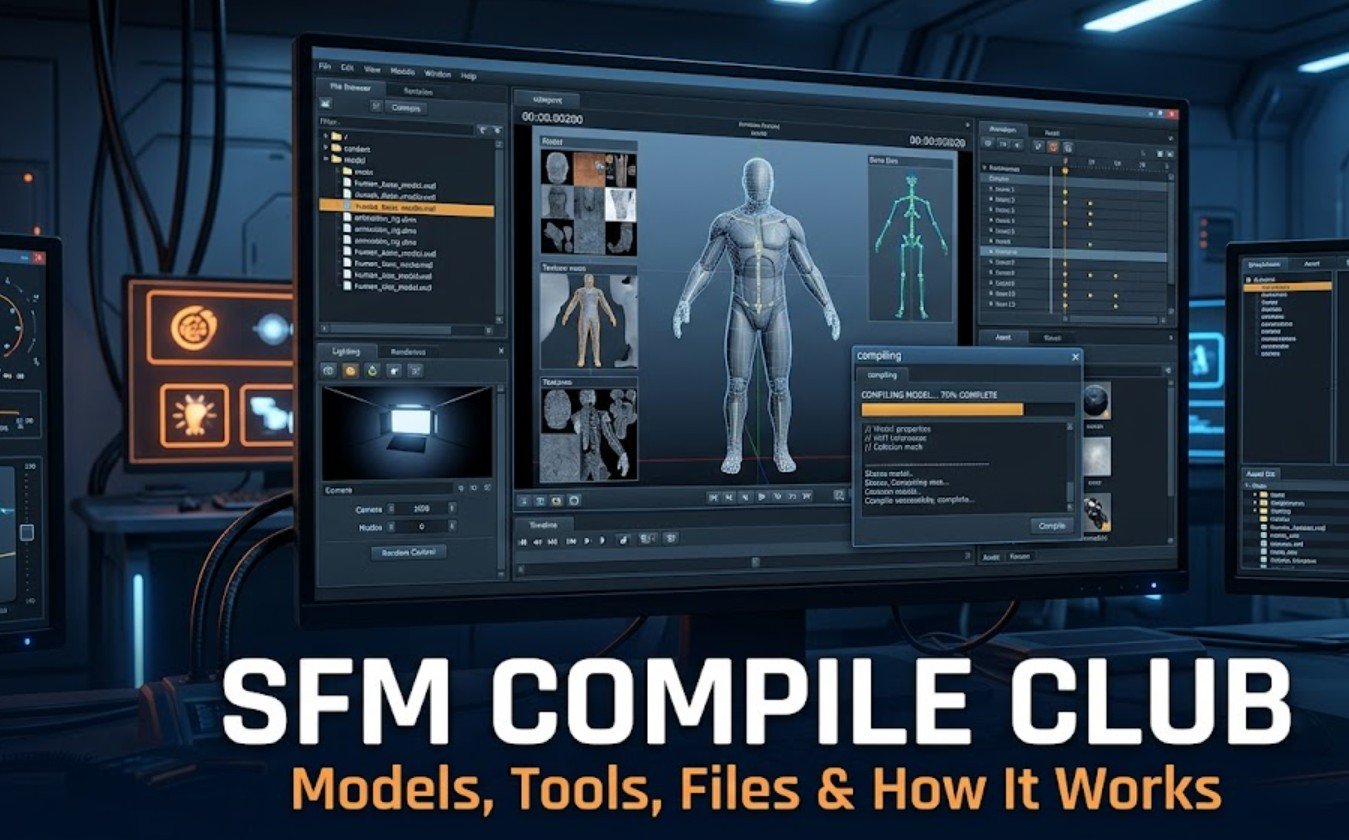
The name SFM Compile Club may sound like an official Valve service, software package, or organised membership community. In reality, the term is used informally by independent websites and online creators discussing Source Filmmaker animations, model conversion, asset preparation, technical tutorials, and community-made content. It is not a built-in feature of Source Filmmaker or a recognised Valve product.
Understanding the term requires separating several activities that people often call “SFM compiling.” A creator may be compiling a 3D model for the Source engine, building a map, converting materials, or exporting a finished animation. These processes are related to Source Filmmaker, but they use different tools and produce different types of files.
What Is SFM Compile Club?
SFM Compile Club generally refers to an unofficial online space associated with Source Filmmaker content. Depending on the website using the name, it may offer animation collections, tutorials, troubleshooting information, model-compilation services, creator submissions, or general articles. There does not appear to be one central organisation controlling every website with a similar name.
This distinction matters because users may assume that all SFM Compile Club websites are connected. In practice, similarly named domains can have different owners, purposes, and standards. One site may focus on animation galleries, while another may publish model-compilation guides or unrelated general content. Users should evaluate each website separately rather than treating the name as proof of authority.
Source Filmmaker itself is a free animation and filmmaking program developed by Valve. It allows creators to use Source engine characters, maps, lighting, cameras, sound, and animation controls to produce videos. It became widely known through Valve’s animated projects, including the Team Fortress 2 “Meet the Team” series.
The official program is available through Steam and has its own documentation, Steam Community pages, and Workshop content. Therefore, SFM Compile Club should be viewed as a third-party label connected with the broader SFM community, not as the official home of Source Filmmaker.
What Does Compile Mean in Source Filmmaker?
In technical terms, compiling usually means converting editable source files into formats that the Source engine can read. For example, a model created in Blender or another 3D program cannot always be placed directly into Source Filmmaker. It must first be exported into a suitable format and processed using Source engine tools.
Model compilation commonly produces an MDL file along with supporting files that store geometry, animation, physics, and other information. The process may also require materials and textures to be placed in the correct folders. If the file paths or configuration instructions are incorrect, the model may not appear properly in SFM.
Map compilation is a separate process. An editable Source map is usually created in Hammer Editor and saved in VMF format. It is then converted into a BSP file using tools that calculate the map structure, visibility, lighting, and shadows. Although both models and maps are compiled, they do not use exactly the same workflow.
Rendering an animation is also sometimes described as compiling, but this wording is not technically precise. Once an animation is complete, the creator normally exports or renders it as a movie or image sequence. Compiling prepares assets for the engine, while rendering turns the finished scene into viewable media.
How Does the SFM Compilation Process Work?
The model-compilation workflow normally begins in a 3D modelling program such as Blender, Maya, or 3ds Max. The creator prepares the model’s shape, skeleton, UV mapping, materials, and animations. The model is then exported as SMD or DMX data, depending on the tools and workflow being used.
A configuration file known as a QC file tells the Source compiler how the model should be built. It can include the model name, reference mesh, animation sequences, materials directory, collision model, surface properties, and other technical settings. The compiler reads these instructions and generates the files required by the engine.
Valve documents StudioMDL as the standard model-compilation tool within the Source toolchain. Creators who want a technical overview can consult the official Valve Developer Community documentation for StudioMDL, which explains the compiler’s purpose and supported commands.
After compilation, the files must be placed in the correct Source Filmmaker folders. Models usually go inside the relevant models directory, while material files go inside materials. The folder paths referenced in the QC and VMT files must match the actual installation paths. Even a small naming difference can cause missing models or textures.
The final step is testing. The creator opens Source Filmmaker, loads the model, and checks its materials, bones, animations, scale, and lighting response. If something is wrong, the source files or QC instructions are corrected before compiling again.
Important Tools, Files, and Common Errors
StudioMDL is the native command-line compiler for Source models. However, many creators use Crowbar, a community-developed interface that makes compiling and decompiling more manageable. It allows users to select files, configure game paths, run the compiler, and read error logs without manually entering every command.
Several file types may appear during the process:
- SMD or DMX: Exported model and animation data
- QC: Instructions used by the compiler
- MDL: The main compiled model file
- VTX and VVD: Supporting geometry and rendering data
- VMT: Material instructions
- VTF: Texture image data
- VMF: Editable map file
- BSP: Compiled map file
Missing textures are among the most common problems. A model may appear purple and black when SFM cannot locate its VMT or VTF files. This often happens because the materials are missing, incorrectly named, or stored in the wrong directory.
A model appearing in a T-pose may indicate missing animations, incorrect skeleton settings, or bone-name conflicts. Compilation failures may be caused by invalid QC commands, broken file paths, unsupported model data, excessive technical limits, or missing reference files. The compiler log usually provides the best starting point for diagnosing these issues.
Creators should also distinguish between asset problems and export problems. Poor video quality, low resolution, weak anti-aliasing, or unusual motion blur are usually related to rendering settings rather than model compilation.
Is SFM Compile Club Official and Safe?
SFM Compile Club is not known to be an official Valve platform. Valve’s recognised resources include Source Filmmaker on Steam, the Steam Workshop, Steam Community discussions, and Valve Developer Community documentation. A website using the SFM Compile Club name should not be assumed to have Valve’s approval.
This does not automatically mean that every similarly named website is unsafe. However, users should check who operates the site, what content it provides, whether its downloads are clearly explained, and whether independent users recognise the service. HTTPS protects the connection but does not guarantee that downloads, claims, or services are trustworthy.
Avoid entering Steam login information on unrelated websites. Source Filmmaker should be installed through Steam, and community assets are generally safer when obtained from established sources such as the Steam Workshop or recognised public repositories.
Downloaded archives and executable files should be scanned before opening. Be especially cautious of unknown launchers, “SFM performance boosters,” or programs claiming to be required for compilation. Back up project files before modifying folders, and confirm that you have permission to use or redistribute third-party models, textures, and animations.
Conclusion
SFM Compile Club is an informal name used by independent websites and creators connected with Source Filmmaker content. It is not an official Valve tool, and its meaning can vary from one website to another.
In a technical SFM workflow, compilation usually means converting models or maps into formats supported by the Source engine. Models are commonly prepared through SMD or DMX files, QC instructions, and StudioMDL, while finished animations are rendered rather than compiled.
Creators should rely on official documentation, established community tools, and trusted asset sources. Checking file paths, reading compiler logs, and testing models carefully can prevent many common SFM problems.
Frequently Asked Questions
Is SFM Compile Club owned by Valve?
No. There is no clear evidence that SFM Compile Club is owned, operated, or officially endorsed by Valve.
What is SFM compiling used for?
It is mainly used to convert models and other assets into formats that Source Filmmaker and the Source engine can load.
Is rendering the same as compiling in SFM?
No. Compiling prepares an asset for the engine, while rendering exports a completed animation as a video or image sequence.
Which tool is commonly used to compile SFM models?
StudioMDL is the official Source model compiler. Many creators also use Crowbar as a community-made interface for the compilation process.